Now I had all of the ingredients I needed to get to the centre of the Earth first.
My mine was open for business, and I had lots of lovely money thanks to George buying 5,000 WashRides. The only potential problems were that Zargoid 5 might still be ahead of me, I had been paused with my mining operation for quite some time, and also that Dennis seemed to be a bit nervous about how well everything was going.
Also… there was that other mine Jenny had mentioned.
Was Zargoid 5 was about to be shut down?
No time for that.
It was time to get the whole operation moving again.
I was going to contact as many German miners as I could find and get them back working. It wouldn’t matter if Zargoid 5 had temporarily pulled ahead, we’d soon be back to full speed.
To do this, I needed to access my list of German miners which I store on my computer in a very password protected file. Despite being a maverick who drills to the centre of the Earth, I do of course comply with all local regulations relating to personal information.
Now you probably use the same password “Cucumber17” on every website you visit. But that is extremely insecure. Perhaps you use a different fruit or vegetable on every website, and potentially a different number! But that is a lot of fruits, vegetables and potentially numbers to remember. I don’t have that problem because I use PassFan.
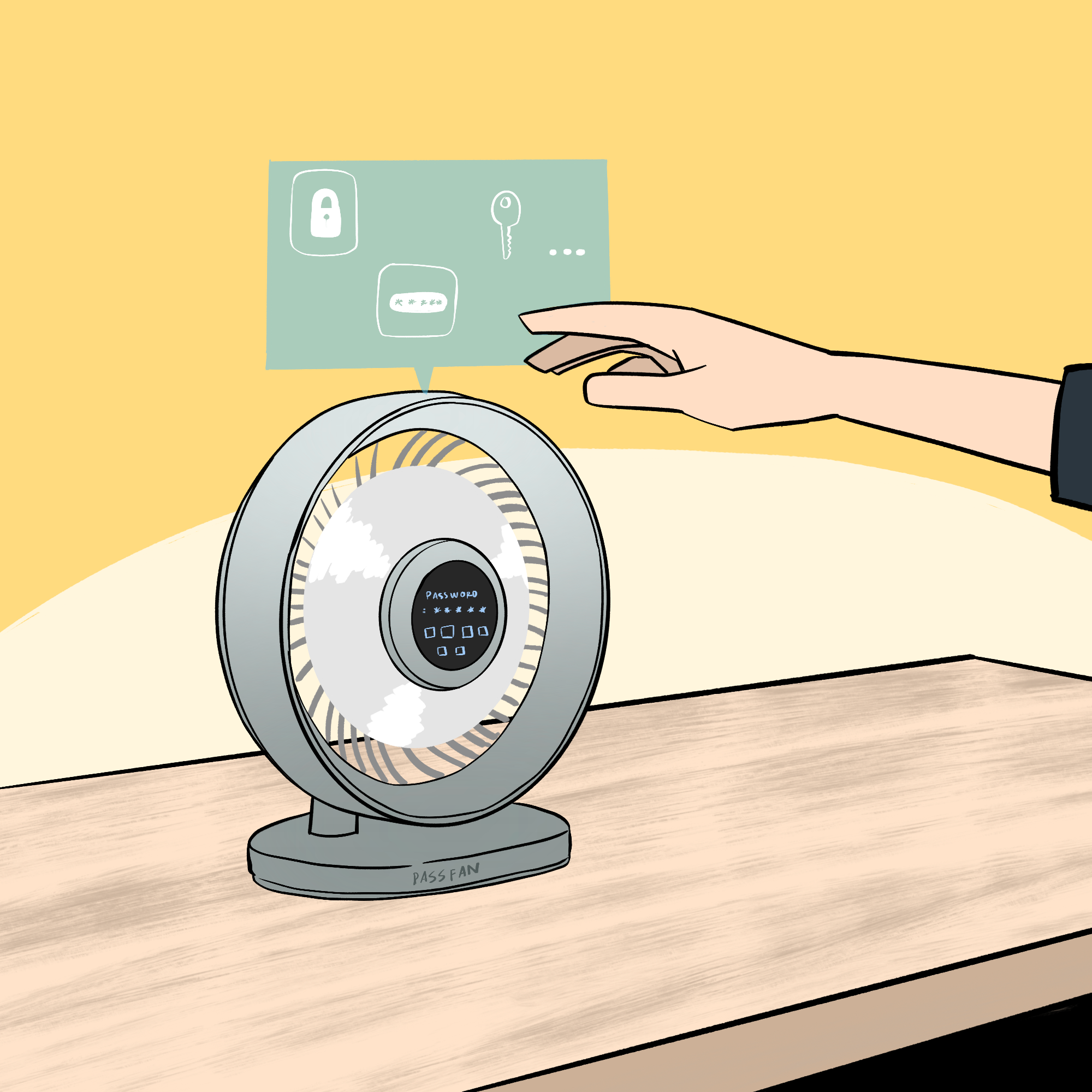
PassFan is a cutting-edge password manager that is completely separate from your computer, meaning it can’t be hacked. It sits neatly on your desk, and when you need a password you simply press a button… and there it is.
But that’s not all.
If your office is warm (and near the centre of the Earth, it usually is), PassFan also doubles as a fan, keeping you cool while you log in.
Imagine that instead of sweating with worry that you can’t remember if the password for a certain website is “cumquat” or “loganberry”, with PassFan you won’t be sweating for two reasons, one because revolutionary fan technology will be keeping you cool, but two because you’ll be very cool thanks to never having to forget your password.
Now the one downside with the PassFan is that you do have to retype the password which is displayed on the screen into your computer, but given the passwords are never that much longer than 60 characters that it doesn’t take too long and it is so much more secure. Get yours today!
Note to self: Perhaps consider adding some kind of fingerprint scanner to the PassFan to make sure only the right person can access the passwords.